
Solar Panels Not Generating? What to Check Before You Assume Something Has Failed
Solar panels showing zero generation? Check the app, inverter, power supply, shading and warning signs before assuming equipment has failed.
Quick Summary
If you have checked your solar app and it is showing zero generation, it is easy to assume the panels have stopped working.
Sometimes they have. Quite often, though, the problem is with the monitoring rather than the solar system itself.
A lost Wi-Fi connection, a power cut, an inverter warning or even particularly poor light can all make it look as though the system is doing nothing. The important thing is to work out what has actually stopped before replacing any equipment.
Here are a few things worth checking, along with the signs that mean it is time to get an electrician involved.
Is it the solar panels or just the app?
The monitoring app should not be the only thing you check.
Solar monitoring can drop offline when:
- The broadband router has been changed
- The Wi-Fi password has changed
- The inverter has lost its internet connection
- A communication dongle has failed
- The manufacturer’s monitoring platform is temporarily unavailable
The inverter may still be producing electricity even though the app shows no data.
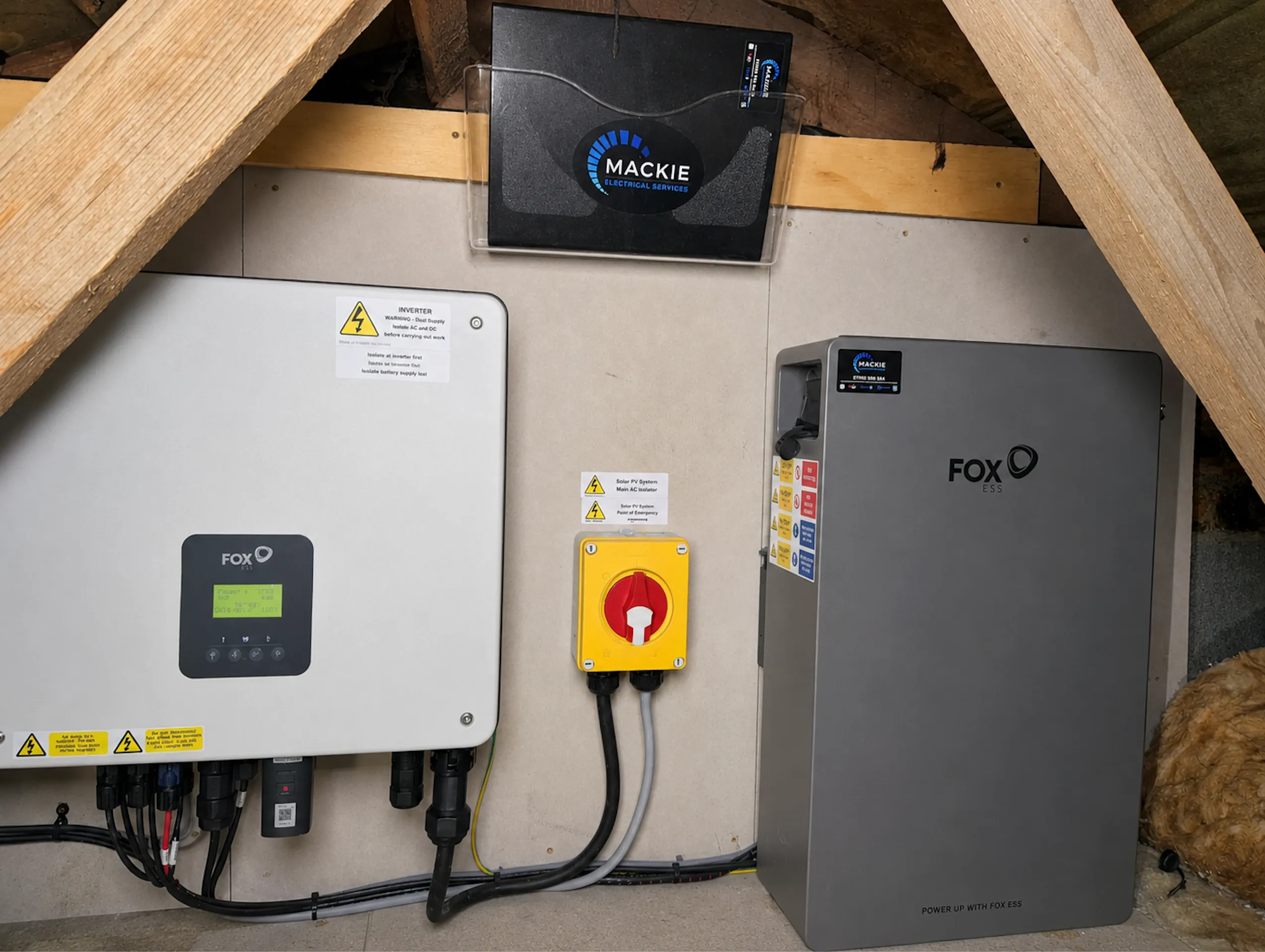
Have a look at the inverter itself. Depending on the model, it may have a screen, status lights or both. You may also have a separate generation meter showing the total electricity produced by the system.
If the generation meter is still increasing during daylight, the panels are working. The problem is more likely to be with the monitoring.
Do not rely too heavily on your smart meter either. It shows electricity moving in and out of the property, but it does not always give a clear picture of how much the solar panels are generating at that exact moment.
Scottish weather makes comparisons difficult
Solar panels work from daylight rather than heat, but the amount of daylight obviously matters.
Generation will be much lower:
- In winter
- Early in the morning
- Late in the afternoon
- During very dark cloud
- When panels are covered in snow
- Where part of the roof has become shaded
A system producing less in December than it did in June is normal. Comparing a wet winter day with a clear summer day will not tell you much.
It is better to compare the system with the same time of year and with days that had similar weather.
That said, a system repeatedly producing nothing during usable daylight should be checked. The same applies if the output suddenly drops and stays low without an obvious reason.
What inverter warning lights actually mean
There is no single rule covering every make of solar inverter.
A green light often means the inverter is operating, while a red light often indicates a fault. But that is not true across every brand and model. A flashing light can mean the inverter is starting, waiting for enough daylight, communicating with the monitoring system or reporting a warning.
The exact error message is far more useful than the colour alone.
Take a clear photograph showing:
- The inverter screen
- Any warning lights
- The error number or message
- The make and model label
Do not clear the message before making a note of it. Error codes can help narrow the fault down considerably.
A red light also does not automatically mean the inverter needs replaced. It may be shutting itself down because it has detected a problem somewhere else in the system.
The system may have stopped after a power cut
Normal grid-connected solar systems shut down during a power cut.
This is a safety feature. It stops your panels from sending electricity back onto local network cables while engineers may be working on them.
Once the power comes back on, the inverter will normally carry out its own checks before reconnecting. It may take a short while to start generating again.
If it does not restart, check whether there is an error showing on the inverter. Do not repeatedly turn equipment off and on in the hope that it clears.
You can check for a local power cut or contact the electricity network operator by calling 105. Your network operator is not necessarily the same company that supplies your electricity.
It is also worth knowing that solar panels do not automatically keep the house running during a power cut.
Even if you have a battery, backup power only works where the system has been designed and installed for it. Some systems back up selected circuits, while others have no backup function at all.
High grid voltage can cause the inverter to disconnect
Solar inverters constantly monitor the electricity supply.
If the voltage or frequency moves outside the permitted limits, the inverter disconnects. You may see an error mentioning grid voltage, AC voltage, utility loss or grid frequency.
The normal UK electricity supply is described as 230 volts. The permitted range at the supply terminals is approximately 216 to 253 volts.
This does not mean every inverter immediately switches off the moment the voltage reaches 253 volts. The protection settings include different voltage levels and time delays.
There can also be voltage rise between the electricity supply and the inverter. Long cable runs, undersized cables and high levels of solar generation in the local area can all contribute.
If the inverter keeps shutting down with high-voltage warnings, changing the grid settings yourself is not the answer. Those settings are part of the system’s network compliance and should only be checked by someone who understands solar installations and the relevant connection requirements.
Sometimes the issue is within the property. In other cases, the electricity network operator may need to investigate the local supply.
A breaker or isolator may have operated
The solar panels produce DC electricity, which the inverter converts into AC electricity for the property.
If the AC connection has been interrupted, the system will not be able to supply electricity normally.
This could be caused by:
- A tripped breaker
- An RCD or RCBO operating
- A failed AC isolator
- Damaged cabling
- A loose or overheated connection
You can look at the consumer unit for an obvious tripped switch, but a breaker that trips again should be left off until the fault has been checked.
Constantly switching it back on is not fixing the problem. It is just resetting the protection that is trying to tell you something is wrong.
DC and insulation faults
Solar panels produce DC electricity whenever there is enough light.
The cables between the panels and the inverter may therefore remain live during daylight, even if the normal electricity supply to the house has been switched off.
An inverter may shut down if it detects an insulation or earth fault on the solar side of the installation.
Possible causes include:
- Water getting into a connector
- A damaged solar cable
- Cables rubbing against roof materials
- A faulty DC isolator
- Panel damage
- Water getting into part of the array
- Poorly assembled connections
These faults need proper electrical testing. It's the kind of solar panel fault finding and repairs job we get called out for.
Solar connectors should not be unplugged by a homeowner. Opening an isolator or inverter casing is not a safe way to investigate the issue either.
If there is water inside electrical equipment, damaged cables or signs of heat around an isolator, keep clear of it and arrange an inspection.
Sometimes only part of the system has failed
A fault does not always stop the complete solar system.
Depending on how it was installed, the issue may affect:
- One panel
- One side of the roof
- One string of panels
- One optimiser
- One microinverter
- One input on the main inverter
The system may still generate electricity, just much less than it should.
This can be harder to spot than a complete shutdown. The app may still show daily generation, but the figures can be noticeably lower than previous years.
Some monitoring systems show the output from individual panels. Others only show the total from the whole system.
If the drop cannot be explained by weather or shading, the panels, strings and electrical connections may need to be tested.
Trees, birds and dirt
Not every reduction in performance is an electrical fault.
Trees may have grown since the panels were installed. A new building, chimney, aerial or roof structure can also create shade that was not there before.
Leaves and bird mess can reduce output as well, particularly if it collects along the lower edge of the panels.
Most pitched solar panels in Scotland get a fair amount of natural cleaning from rain. They do not all need washed every year.
Cleaning may be useful where the panels have heavy contamination, a shallow angle or regular bird activity. It should not be treated as the answer to every performance problem.
Do not climb onto the roof, stand on the panels or use a pressure washer. Apart from the obvious risk of falling, damaged glass, seals and connectors can create a much bigger problem than a bit of dirt.
Safe checks you can do yourself
There are a few useful checks that do not involve opening electrical equipment.
First, check whether there is enough daylight for the inverter to operate.
Then check:
- Is the inverter screen on?
- Are there any warning lights?
- Is an error code showing?
- Is the generation meter increasing?
- Is the app showing a communication error?
- Has there recently been a power cut?
- Has the broadband router been changed?
- Has any electrical or roofing work been carried out?
- Is there obvious new shading over the panels?
It also helps to find the original paperwork if you still have it.
Useful documents include:
- The MCS certificate
- Electrical certificates
- Inverter and panel details
- Warranty documents
- The original system design
- DNO notification or approval
- The manufacturer’s operating instructions
If you are contacting an electrician, send photographs of the inverter and fault code along with the postcode and approximate age of the system.
That can save quite a bit of back and forth.
Things you should not do
Do not open the inverter or any electrical enclosures.
Do not disconnect solar connectors, remove isolator covers or start testing cables yourself.
Also avoid following a random reset procedure from a forum or video. Solar systems can include batteries, backup circuits, more than one inverter and different types of isolator. The correct shutdown and restart order depends on the equipment.
If the manufacturer’s instructions give a basic restart procedure, follow those exact instructions. If the fault comes back, leave it and arrange an inspection.
Repeatedly resetting an electrical fault is not a repair.
Burning smells, heat or damaged equipment
Some warning signs should not wait for a normal appointment.
Keep away from the equipment if you notice:
- Smoke
- A burning smell
- Crackling or arcing
- Melted plastic
- A discoloured isolator
- Exposed cables
- Water inside electrical equipment
- Equipment becoming unusually hot
Do not touch wet, burning or visibly damaged electrical equipment.
If there is smoke or fire, leave the area and call 999.
Does the inverter need repaired or replaced?
Not every inverter fault means a new inverter.
The decision depends on the exact problem, the age of the unit, warranty cover, available replacement parts and whether the manufacturer still supports it.
It also depends on the rest of the installation.
Before replacing an inverter, the electrician may need to check:
- The panel layout
- String voltages
- Cable condition
- Existing isolators
- Earthing and protection
- The current network approval
- Whether an export limit is fitted
- Whether the property has a battery
- Whether the system receives Feed-in Tariff payments
Solar panels often last 25 years or longer. Inverters generally do not last as long, and many will need replaced at some point during the life of the panels.
A rough planning figure often used for inverter lifespan is around 10 to 15 years, but it is not an expiry date. Some fail earlier. Others keep going well beyond that.
Should you change to a hybrid inverter?
A failed inverter can be a sensible time to consider battery storage, but a hybrid inverter is not automatically the best option.
A hybrid inverter manages both the solar panels and a compatible battery. That can make sense where the existing inverter already needs replaced.
An AC-coupled battery may suit some older systems better. It can sometimes be added without changing the solar inverter or altering as much of the original installation.
The right setup depends on the existing panels, inverter, metering, available space and what you actually want the battery to do.
Replacing equipment that still works just to fit a particular battery brand is not always good value.
What does inverter replacement cost?
Energy Saving Trust currently gives around £800 as a broad guide for replacing a solar inverter.
Real costs vary.
A small standard inverter mounted somewhere easy to access is a very different job from a larger hybrid inverter, a three-phase system or equipment installed in a loft with poor access.
The price may also be affected by:
- The inverter make and size
- The number of panel strings
- Monitoring equipment
- Damaged isolators
- Cable repairs
- Scaffolding
- Battery compatibility
- Export limitation equipment
- Additional electrical work
- Testing and recommissioning
The fault should be diagnosed before replacement equipment is ordered.
Otherwise, there is a risk of replacing the inverter only to find that the real problem is in the cabling, panels or grid connection.
Older Feed-in Tariff systems
The Feed-in Tariff scheme closed to new applications in 2019, but older registered systems may still receive payments.
An inverter can be repaired or replaced without automatically losing the tariff. However, the FIT provider should be told about relevant changes to the installation.
This is particularly important where work affects:
- The generating capacity
- The generation meter
- The panels
- Battery storage
- Other generating equipment
Tell the electrician that the system receives FIT payments before work begins.
Keep copies of invoices, equipment serial numbers, photographs, meter readings and commissioning documents. It is easier to keep a proper record at the time than try to recreate it years later.
Can a different installer repair the system?
You do not need to use the company that originally installed the panels.
A lot of homeowners have bought properties with solar already fitted. Others have found that the original installer has stopped trading or is no longer interested in carrying out repairs.
Another competent solar electrician can inspect and repair the system.
Mackie Electrical works on solar PV installations across Central Scotland, including systems originally fitted by other companies.
What to send us
If your solar system has stopped generating or is showing a fault, send us:
- Your postcode
- The inverter make and model
- The approximate installation date
- A photograph of the inverter screen
- A photograph of any warning lights
- The full error code
- A screenshot of recent generation
- Details of any recent power cut
- Details of recent electrical or roof work
- Whether a battery is connected
- Whether the system receives Feed-in Tariff payments
Even a clear photograph of the fault message can be useful.
Mackie Electrical provides solar PV fault finding, maintenance and repairs across Central Scotland, including work on systems installed by other companies.
Call 07990 504549 or contact us online to arrange a solar inspection.
Solar Panels Not Generating: FAQs
Quick answers to common questions about solar generation and inverter faults.
Has Your Solar System Stopped Generating?
Mackie Electrical provides solar PV fault finding, maintenance and repairs across Central Scotland, including systems installed by other companies. Send us the inverter details and fault code to arrange an inspection.
Related Articles
Continue reading with these similar topics
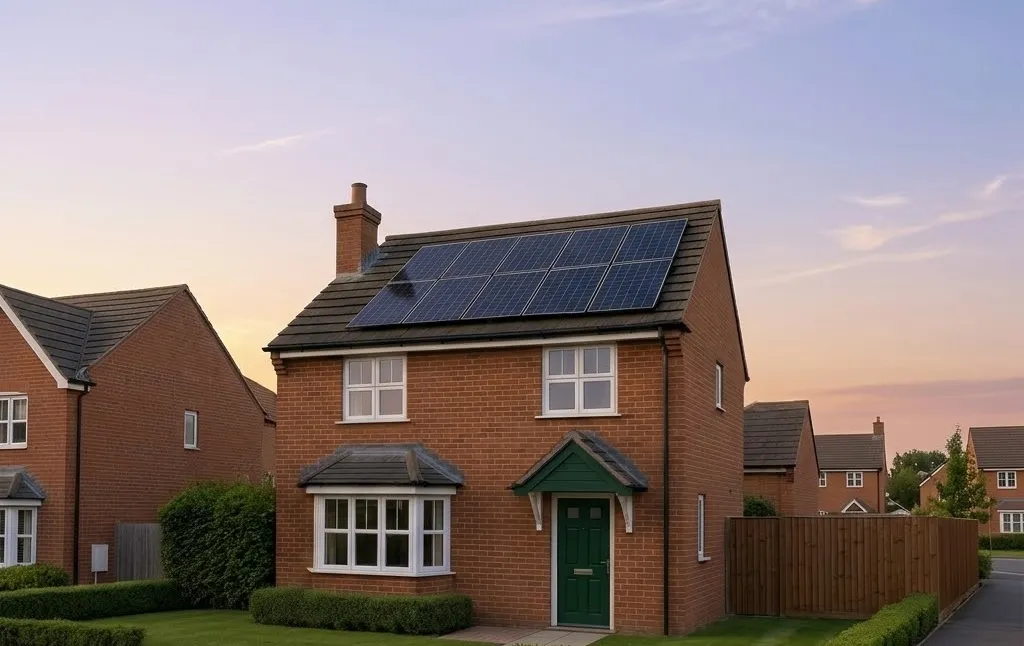
Scotland's New Build Solar Regulations: What Section 6 Actually Requires (And What It Doesn't)
Scotland's Section 6 Building Standards don't require solar on new builds — but the financial case says you should install it anyway. System sizing, savings estimates, and practical guidance for developers and self-builders.
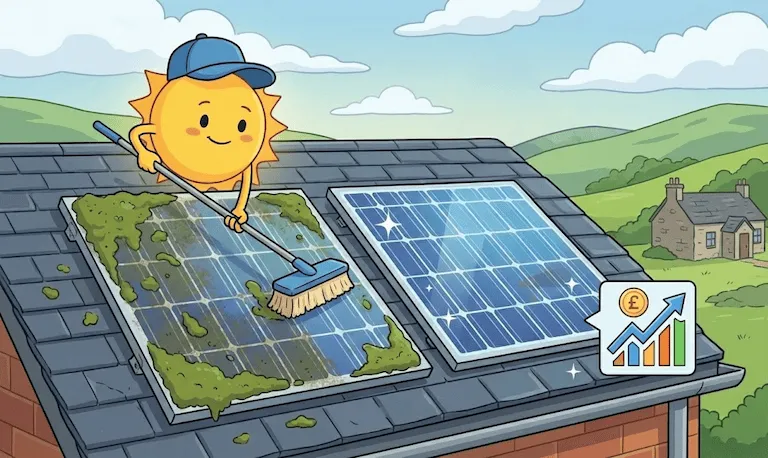
Solar Panel Maintenance in Scotland: 7 Simple Steps & Typical Payback
Keep your solar panels in peak condition across Scotland. Learn 7 essential maintenance tips, understand costs, and discover payback potential
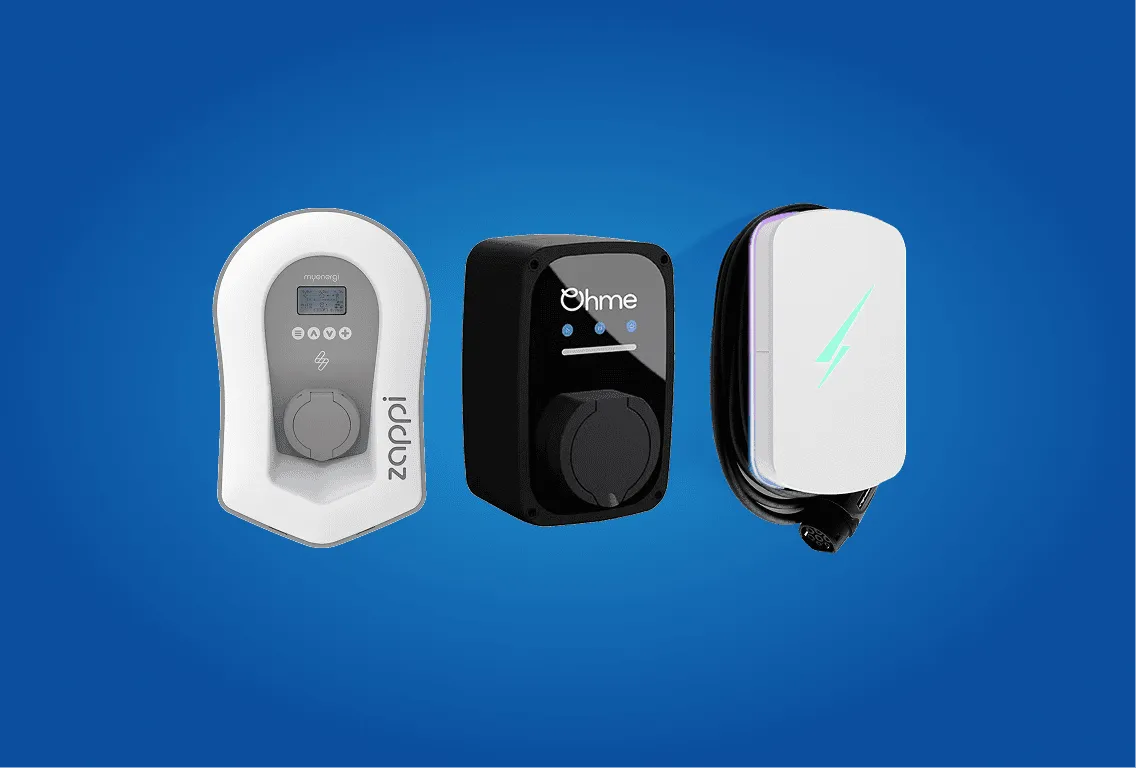
Zappi, Hypervolt or Ohme: the right EV charger for a solar home in Scotland
A guide for Scottish homes with solar. We compare Zappi, Hypervolt and Ohme with a focus on surplus PV charging, CT clamps, PEN protection, load management, apps, weather, and flats/tenements.